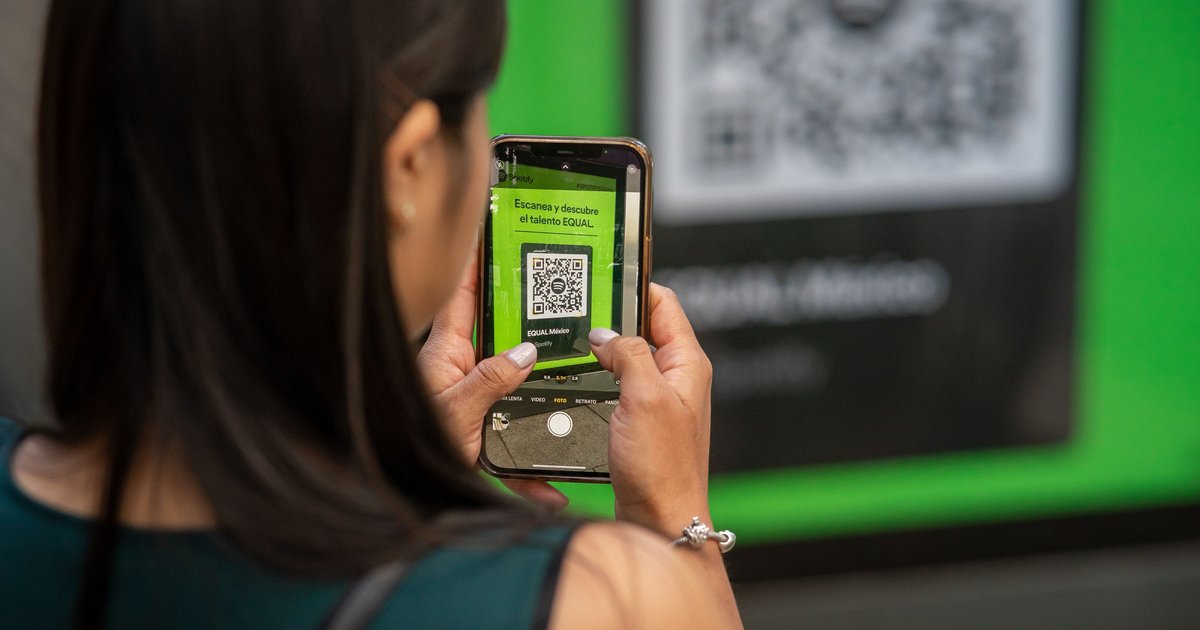
A QR code sticker for your car lets anyone who spots a problem reach you without seeing your phone number. PlateQuery gives every plate a printable 2-by-2-inch label. Someone scans it with their phone camera and lands on your plate's page, where they can leave a message. Here's how it works, how to get yours, and what to check first.
Why put a QR code on your car?
When your car is in trouble, the person who notices usually has no way to tell you. Your lights are on, your window is open, you're accidentally blocking someone in, or another driver just clipped your mirror. Many drivers leave a phone number on the dashboard for this, which shows it to everyone who walks past.
A QR code does the same job while keeping your number private. It's also easier for the other person, who only needs a phone camera.
How to get your sticker
- Look up your plate. Go to the license plate lookup, then choose your state and enter your plate number.
- Open the sticker. On your plate's page, choose Get the sticker to see your QR code and the print page.
- Print it at full size. The label is 2 by 2 inches. Weatherproof sticker paper will hold up better than plain paper.
- Test it. Scan the printed code with your phone and make sure it opens your plate's page.
- Follow your plate. This is the step people miss. Following it is free with a PlateQuery account, and it's how you get alerted to new messages.
Where to put the sticker
The sticker is designed for your windshield, but place it with care:
- Check your state's rules first. Many states limit what can be placed on a windshield and where. Your state DMV or vehicle code will have the details.
- Keep your view clear. Never put it anywhere that blocks your line of sight.
- Make it easy to scan. A low corner, reachable from outside and out of direct glare, tends to work well. Avoid heavily tinted glass.
What people see when they scan it
The code opens your plate's page on PlateQuery, using a short link with your state and plate number. The label itself shows the plate, the state and a line inviting people to send a message. It doesn't show your name, address or phone number, and neither does PlateQuery.
Your plate number is already visible on your car, so the sticker doesn't reveal anything new. Messages and other details on a plate's page can be public, so if you'd rather keep them out of view, you can claim your license plate and go private with a paid subscription.
Sticker, phone number or license plate?
- Phone number on the dash: simple and direct, but it's visible to anyone, and calls can come at any hour.
- QR code sticker: your number stays private, and it's clear to people that you want to hear from them. It does need a phone with a camera, and you'll need to print and replace it.
- Your license plate alone: anyone can leave you a message by license plate with nothing on your windshield, though they'd need to know that's possible. A sticker tells them.
Sticker or not, following your plate is what gets the alert to you.
When a QR sticker helps
- You've blocked someone in by accident. A neighbor can tell you your car is blocking their driveway before they call for a tow.
- You're in the wrong space. A quick message beats a tow if someone thinks you've parked in their spot.
- Your car got hit. A witness has an easy way to reach you when someone hits your parked car.
- Everyday heads-ups. Lights left on, an open window, a low tire or a parking etiquette reminder.
Staying safe with QR codes
Fake QR codes are a known scam, on parking meters as well as on cars, so it's worth a little care on both sides:
- If you're scanning: check that the link goes to platequery.com before you enter anything.
- If it's your car: look at your sticker now and then to make sure no one has covered it with another code.
- Either way: be polite, and keep personal details out of your messages.
FAQ
How much does the QR sticker cost?
The sticker is free to print from your plate's page, and following your plate with a free account is how you get alerts about new messages. You only need your own printer and sticker paper. Claiming your plate and making it private is a separate, paid subscription, and you don't need it to use the sticker.
Does the person scanning need an app?
No. Most phone cameras recognize QR codes on their own and open the link in a browser. There's nothing for them to install. From your plate's page, they can write a short message for you. They don't need your phone number, and they won't see your name or address.
Can someone find my name or address from the code?
Not through PlateQuery. The code simply opens your plate's page, and we never show an owner's name or address. Messages can appear on that page, so remember what you share there. If you'd prefer them hidden from public view, you can claim your plate and make it private.
Is it legal to put a sticker on my windshield?
That depends on your state, since many states limit what can go on a windshield and where. Check your state DMV or vehicle code before placing it, and never block your view of the road. If you're unsure about a location, choose a spot your state allows instead.
Next steps
Look up your plate, print your sticker and follow your plate so you don't miss a message. Want to reach another driver instead? Read our guide on how to contact a vehicle owner.